
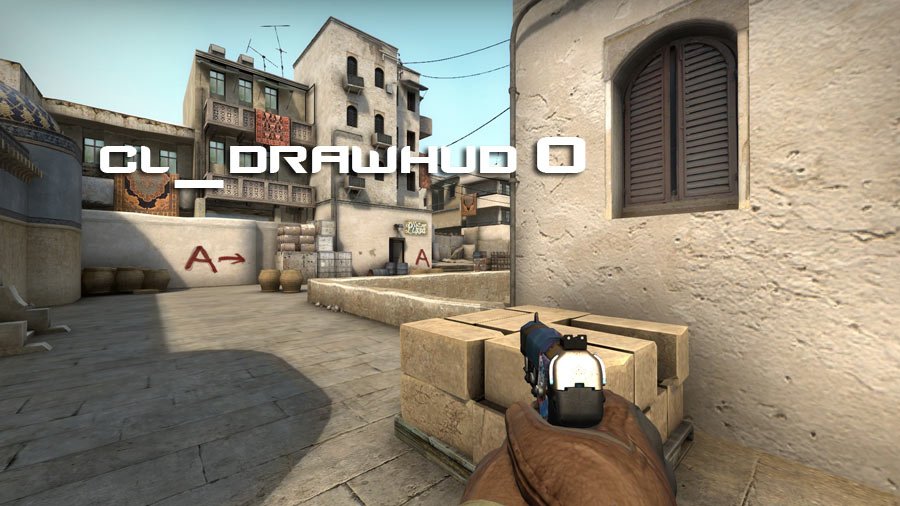
This is not really a guide but just some quick, but useful, console commands. I use these commands whenever I record a demo or need to take a screenshot or something like that, where I don’t want the HUD to be displayed. Btw. the definition/meaning of HUD is “Heads-Up Display”.
Write one of the following, or both, commands in the console:
- cl_drawhud 0 [default 1]
This completely removes the HUD – even the crosshair. - cl_draw_only_deathnotices 1 [default 0]
This removes the HUD, but will display the death notices in the corner of the screen as usual.
Please note: If you want to hide the UI overlay/HUD in GOTV you can just use the above commands. If you want to use the commands in-game you have to enable “sv_cheats 1” first.
While you are here, you might find this command useful. If set to 1 (which is default), the clan name will appear next to the players name in the death notices:
- cl_show_clan_in_death_notice [default 1]
im so screwed, im in a comp game without my hud and i cant reset it….
Legend has it, he’s still in a comp game without his HUD.
We’ve yet to hear anything from this guy, I’m very worried!
Damn this is scary. can someone update me?
literally happened to me
luckily the game ended cause too many people didn’t connect
how to turn hud back on
To turn it back on just use defaults:
cl_drawhud 1
cl_draw_only_deathnotices 0
this happened to me as well, just reset the game while in comp and its fixed
This happend so many years ago, but its happening to me, im scared, help me. I am in comp too ;-;